Adding a Waitlist or Inquiry
Click the Add button on the right top corner to add a waitlist or inquiry record.
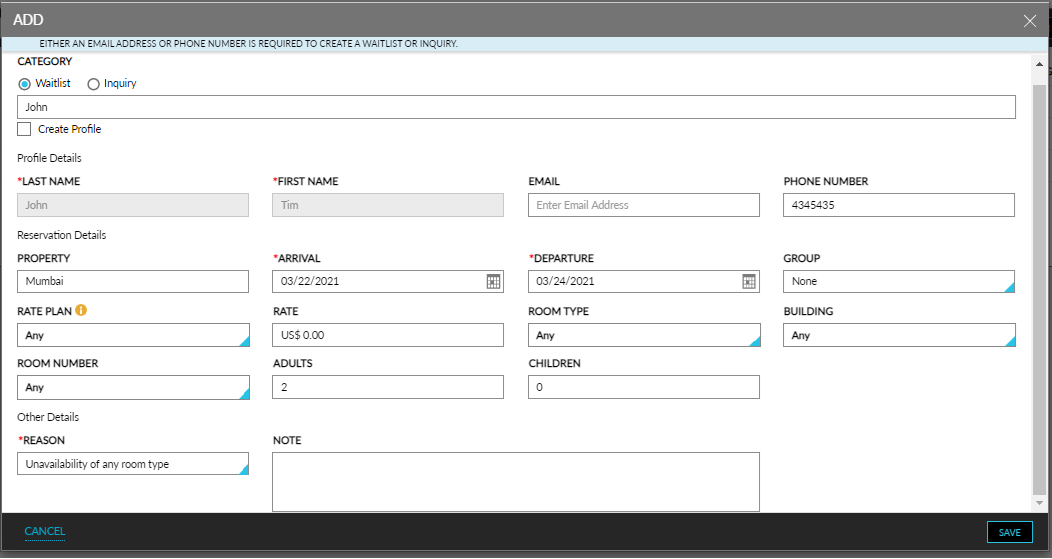
Enter the following information in the Add pop-up screen.
|
Field |
Description |
|---|---|
|
Category |
Choose between waitlist and inquiry using the radio buttons. |
|
Search by name |
Search the guest’s profile using the search bar. |
|
Create a new profile |
Select the checkbox to create a new profile. Either the phone number or email address is required to create a new profile. |
|
Last Name |
The last name of the guest. |
|
First Name |
The first name of the guest. |
|
|
The email address of the guest. |
|
Phone Number |
The phone number of the guest. |
|
Arrival |
The arrival date from the calendar. |
|
Departure |
The departure date from the calendar, |
|
Property |
The property in which the waitlist or inquiry needs to be created. |
|
Group |
Select an existing Group booking. |
|
Rate Plan |
Select one or multiple rate plans and packages from the drop-down list. |
|
Rate |
The final or estimated amount of the waitlist or inquiry. |
|
Room Type |
Select one or many room types from the drop-down list. |
|
Building |
Select a building or multiple buildings from the drop-down list. |
|
Room Number |
Select a specific room number if required. |
|
Children |
The number of children in the reservation. |
|
Adults |
The number of adults in the reservation. |
|
Reason |
Select one of the following reasons for recording the waitlist or inquiry from the drop-down list:
The above-listed reasons are available by default. Any custom set reasons will also appear in the drop-down list. |
|
Note |
Add notes to the record if required. |
Click the Cancel button or the cancel icon on the top right corner to close the pop-up screen.
Click the Save button to save the waitlist or inquiry record.
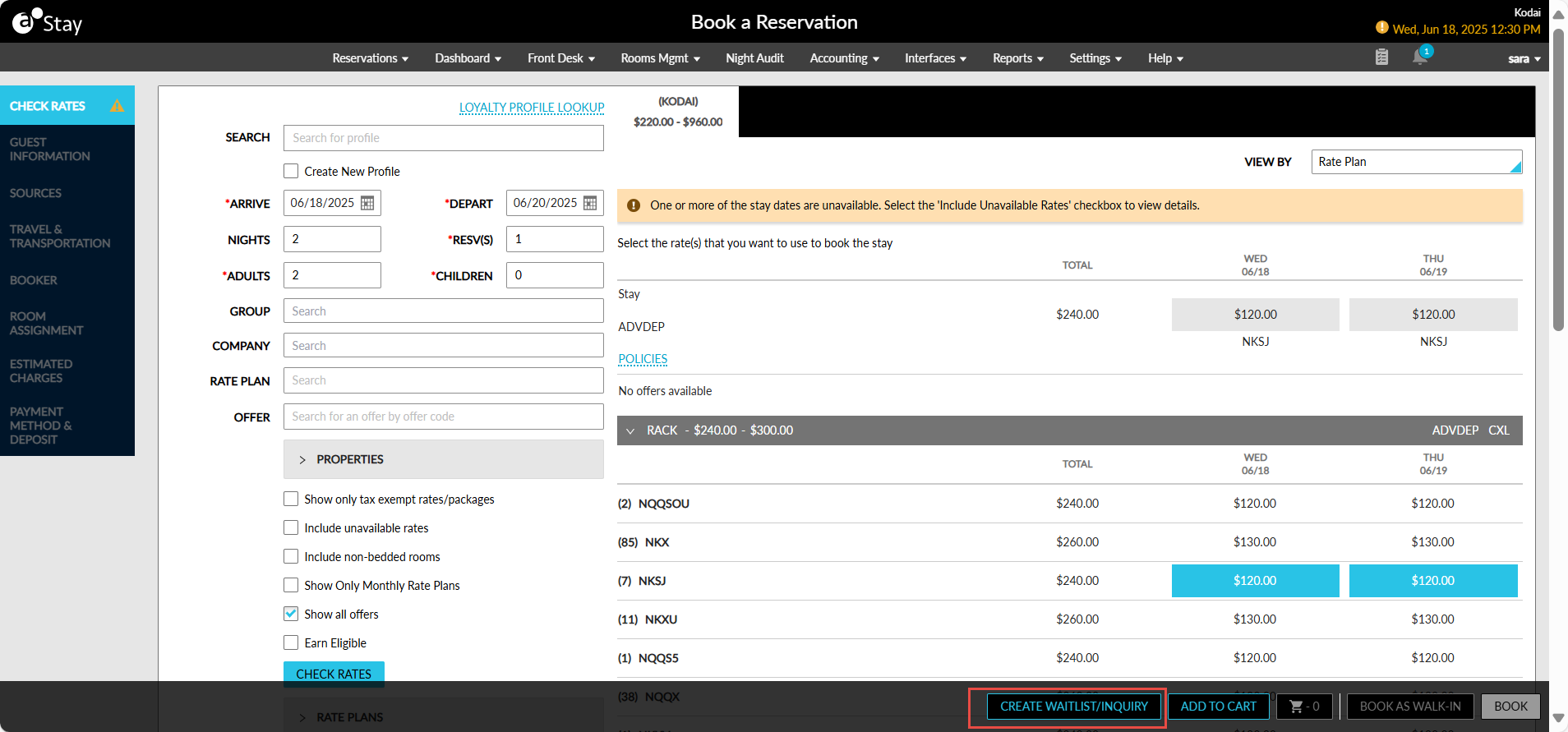
Users can also create waitlists and inquiries from the Book a Reservation screen by clicking the Create Waitlist/Inquiry button.
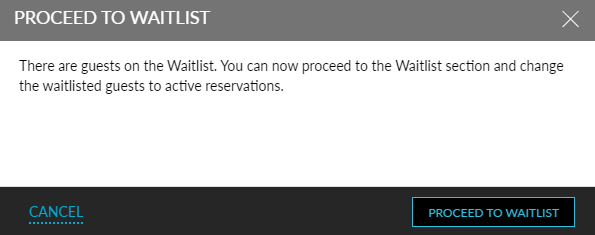
Pop-up alert named Proceed to Waitlist alerts users to check for waitlists or inquiries with a similar date, room type, or both after the cancellation of a reservation.